
Kruncher Guides
Understand and navigate around Kruncher with our written guides.
First time in Kruncher?
Start with the Getting Started guide below, or watch the short video guides to see the core features in a few minutes.
Master guides

Getting Started with Kruncher
- Introduction to Kruncher
- Adding a Company to Kruncher
- Understanding the Company Report
- Inside the Report: Data, Insights, and References
- Exporting Reports (Docs / PDF / PowerPoint)
- Creating an Investment Memo
- Data Sources Overview
- How Kruncher Tracks Company Evolution and Generates Signals
- Inviting Your Team to Kruncher
Configuring Kruncher for Your Fund
- Customizing Kruncher for Your Workflow
- Connecting Your Email
- Setting Up Automated Deal Screening (Match vs No Match)
- Integrations Overview
- Customizing Investment Memos, Portfolio Reports, and Preparation Notes
- Complete List of Signals
- Customizing Signal Tracking
- Creating Custom Templates (IC Decks, LP Reports, Investment Memos)
Kruncher for Deal Screening
Kruncher for Due Diligence
Kruncher for Portfolio Management
Kruncher for Alpha Generation
Kruncher for IC Decks and Memos
Advanced Features & Automations
Browse individual guides
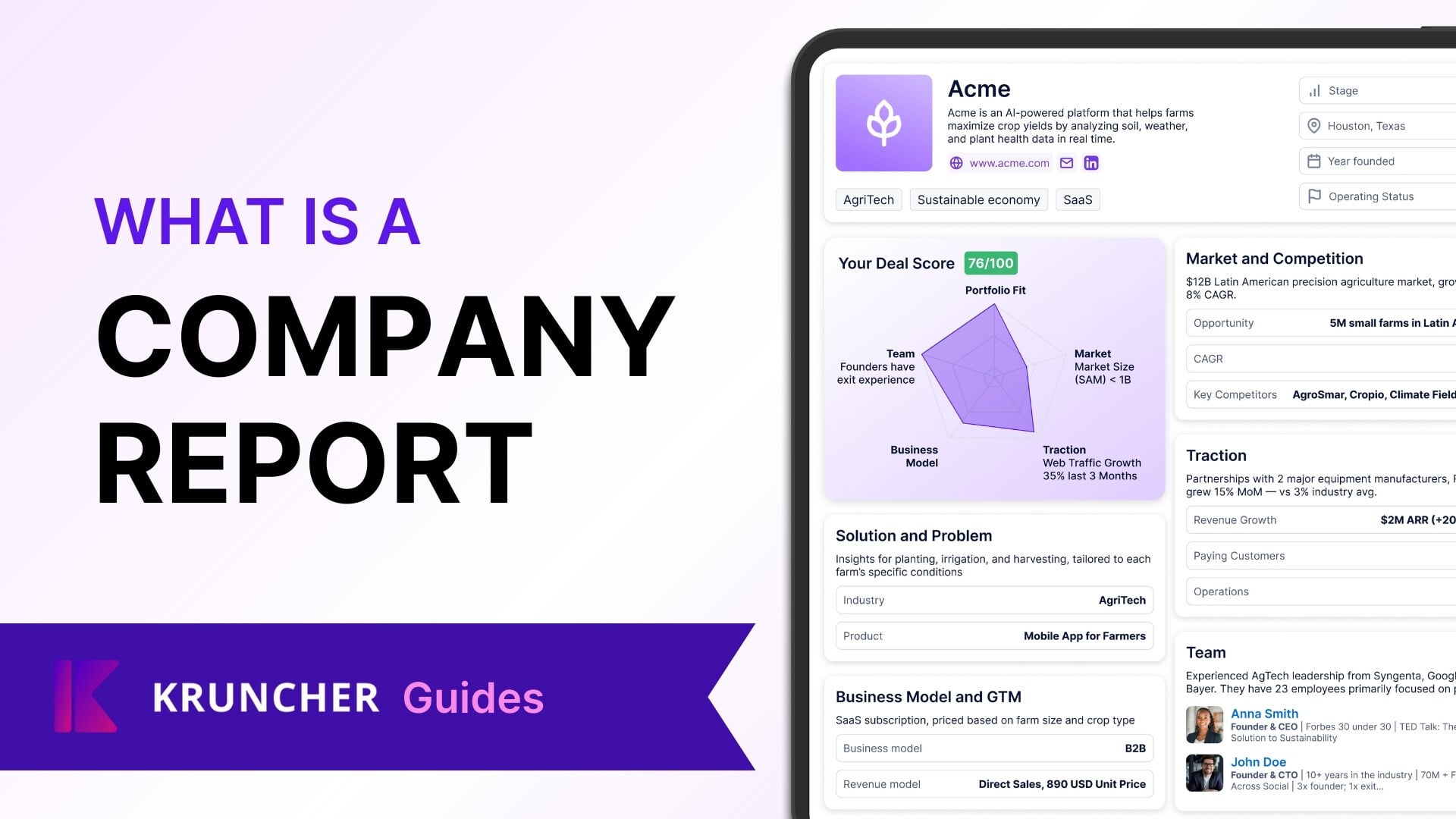
What is a Company Report?
Index (Click to jump):
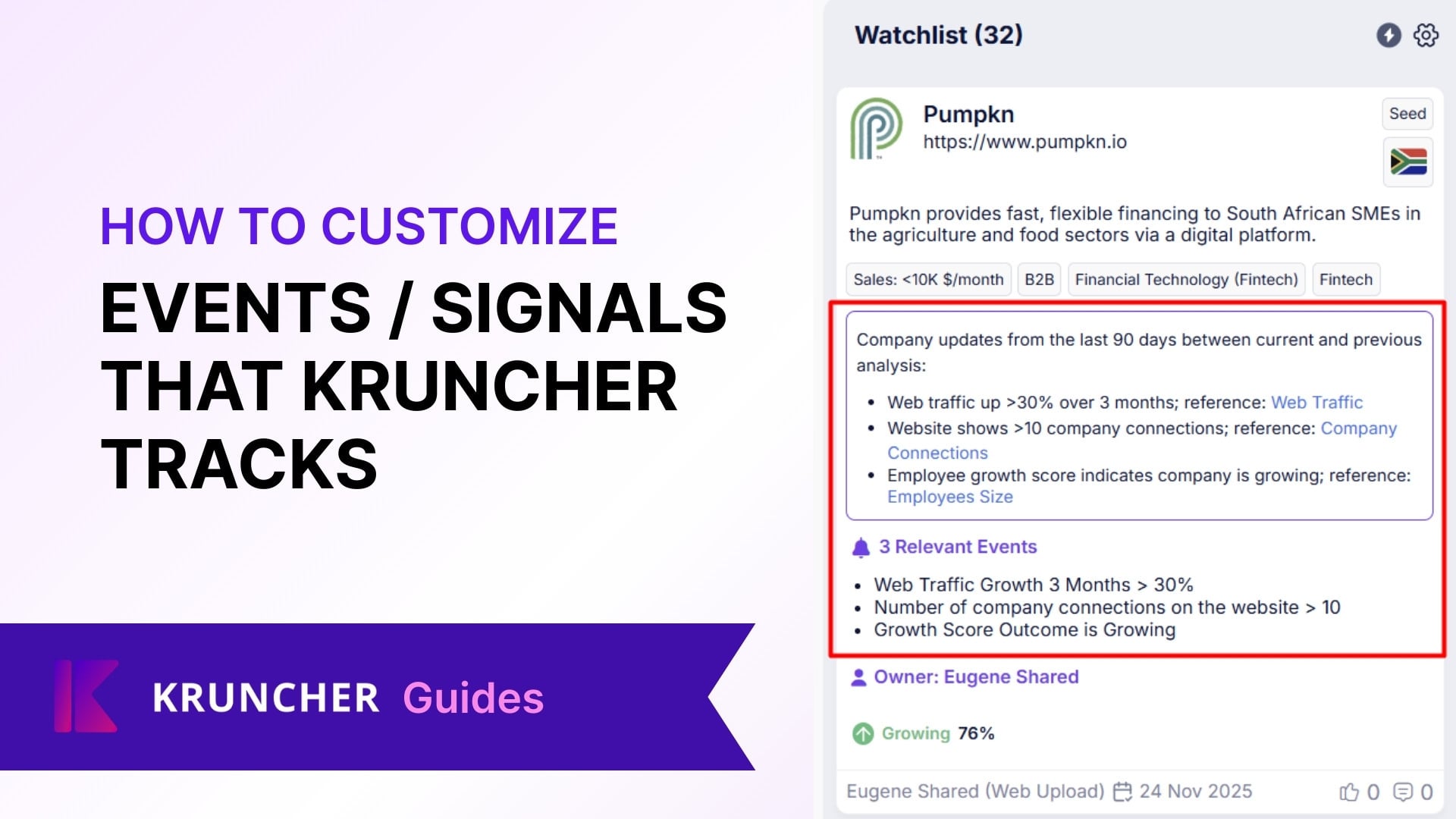
How to Customize Events/Signals that Kruncher Tracks
To make Kruncher even more precise and relevant, it monitors certain signals and events as key metrics. You may define which signals are positive or negative, allowing the system to highlight them during analysis and…
How to view Portfolio Performance Report & Preparation Notes
In every generated company report, Kruncher has one of at the bottom:
How to Customize Investment Memo, Portfolio Performance Report & Preparation Notes
In every generated company report, Kruncher has one of at the bottom:
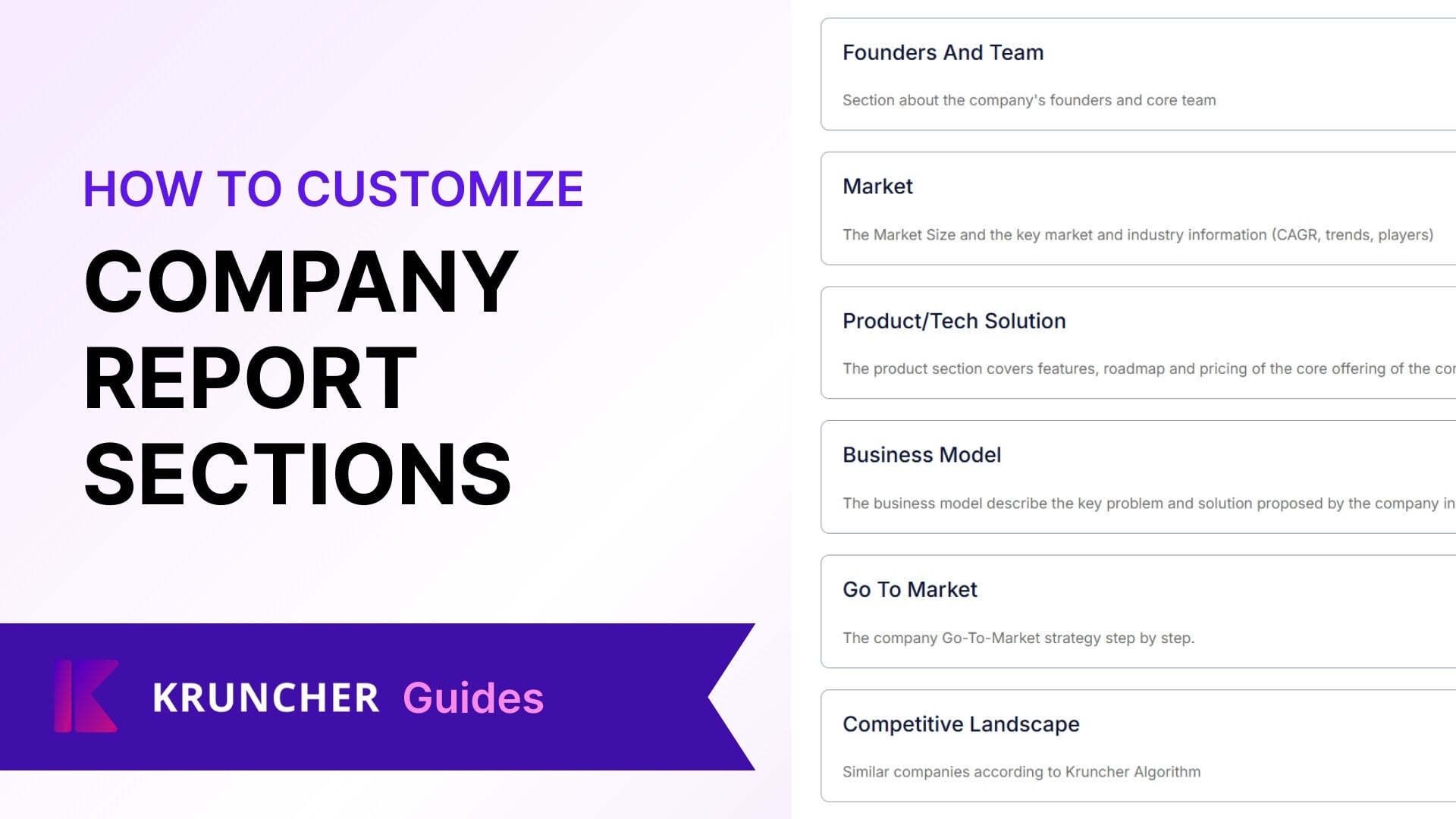
Customizing Company Report Sections
This guide covers customizing the sections that appear in each company report.

How to Add A Company via Slack, Telegram, WhatsApp
Other than manually adding companies in Kruncher and connecting your email, Kruncher lets you add a company directly through your messaging apps, such as Slack, Telegram, or WhatsApp. Kruncher is designed to work with…

Slack Integration Guide
Kruncher is designed to work with your existing workflows, not the other way around. You may minimally interact with Kruncher's main app on browser if you prefer using apps you already interact with on a daily basis.

WhatsApp Integration Guide
Kruncher is designed to work with your existing workflows, not the other way around. You may minimally interact with Kruncher's main app on browser if you prefer using apps you already interact with on a daily basis.

Telegram Integration Guide
Kruncher is designed to work with your existing workflows, not the other way around. You may minimally interact with Kruncher's main app on browser if you prefer using apps you already interact with on a daily basis.
Access Levels in Kruncher: Owner, Contributor, Reader, No Default Access
Kruncher is best experienced when you have a shared workspace with others.
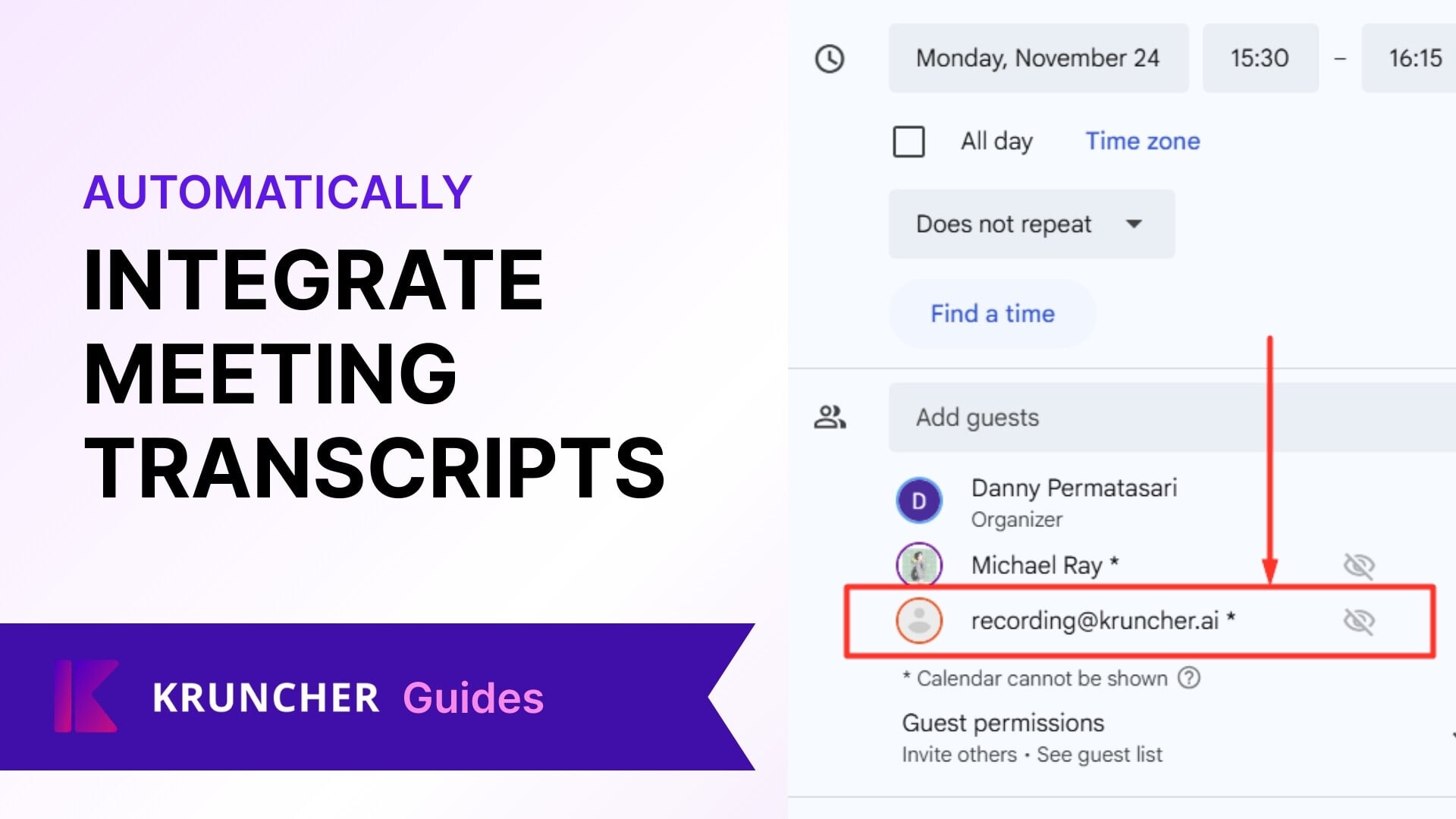
Automatically Integrate Meeting Transcripts into Kruncher
When meeting with founders or your colleagues, Kruncher can automatically transcribe your meetings and add it into an existing company report to enrich the analysis, keeping your reports always up-to-date.
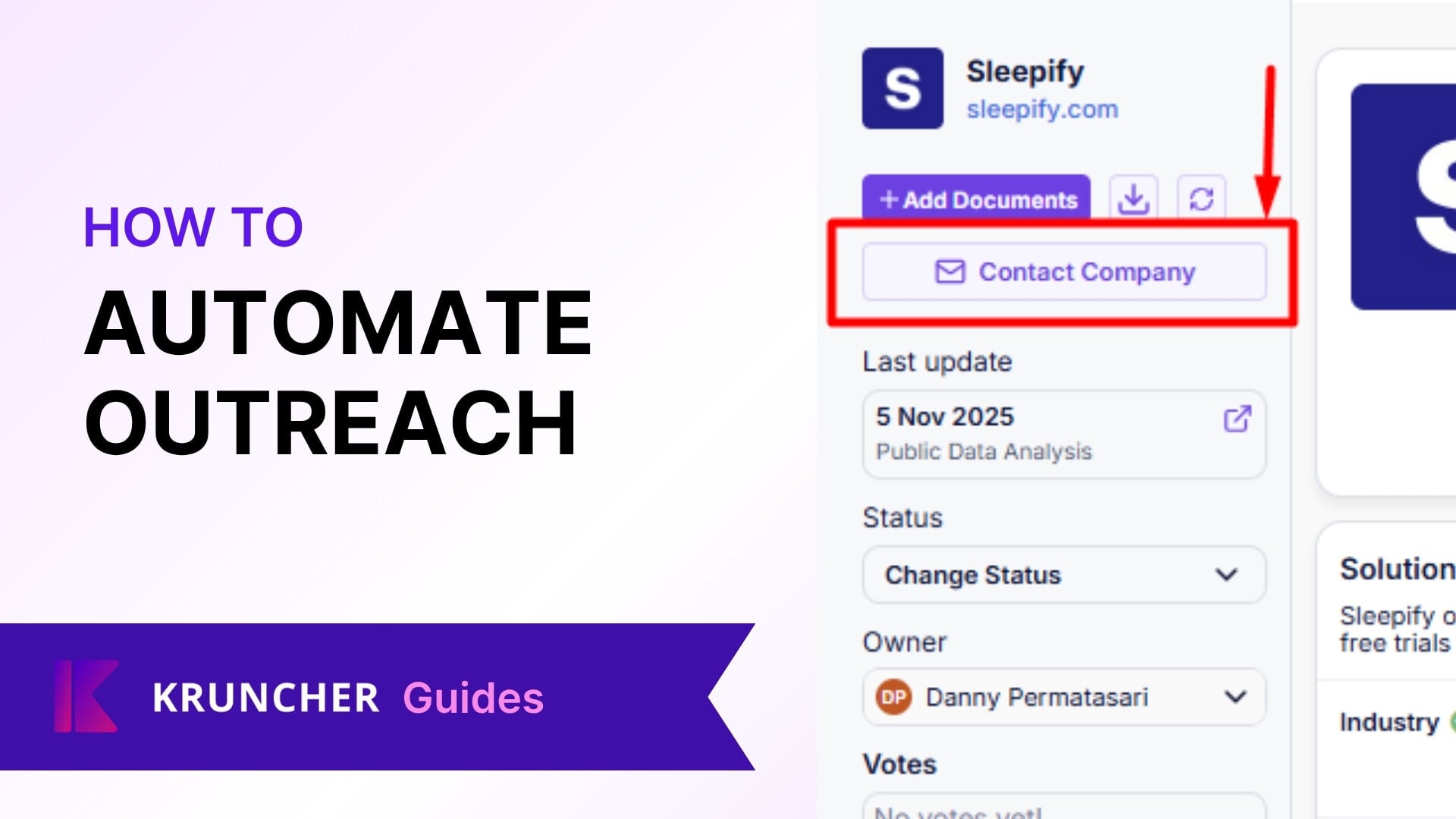
How to Automate Your Outreach with Kruncher
As a natural extension to connecting your email inbound into Kruncher, you can also send reply emails from within Kruncher, with content automatically populated referencing unique details about the company.
Can Kruncher Display Wrong Data?
Our systems have layers of checks to ensure accuracy, but the 1 in 10,000 edge cases can always happen and fall through the cracks.
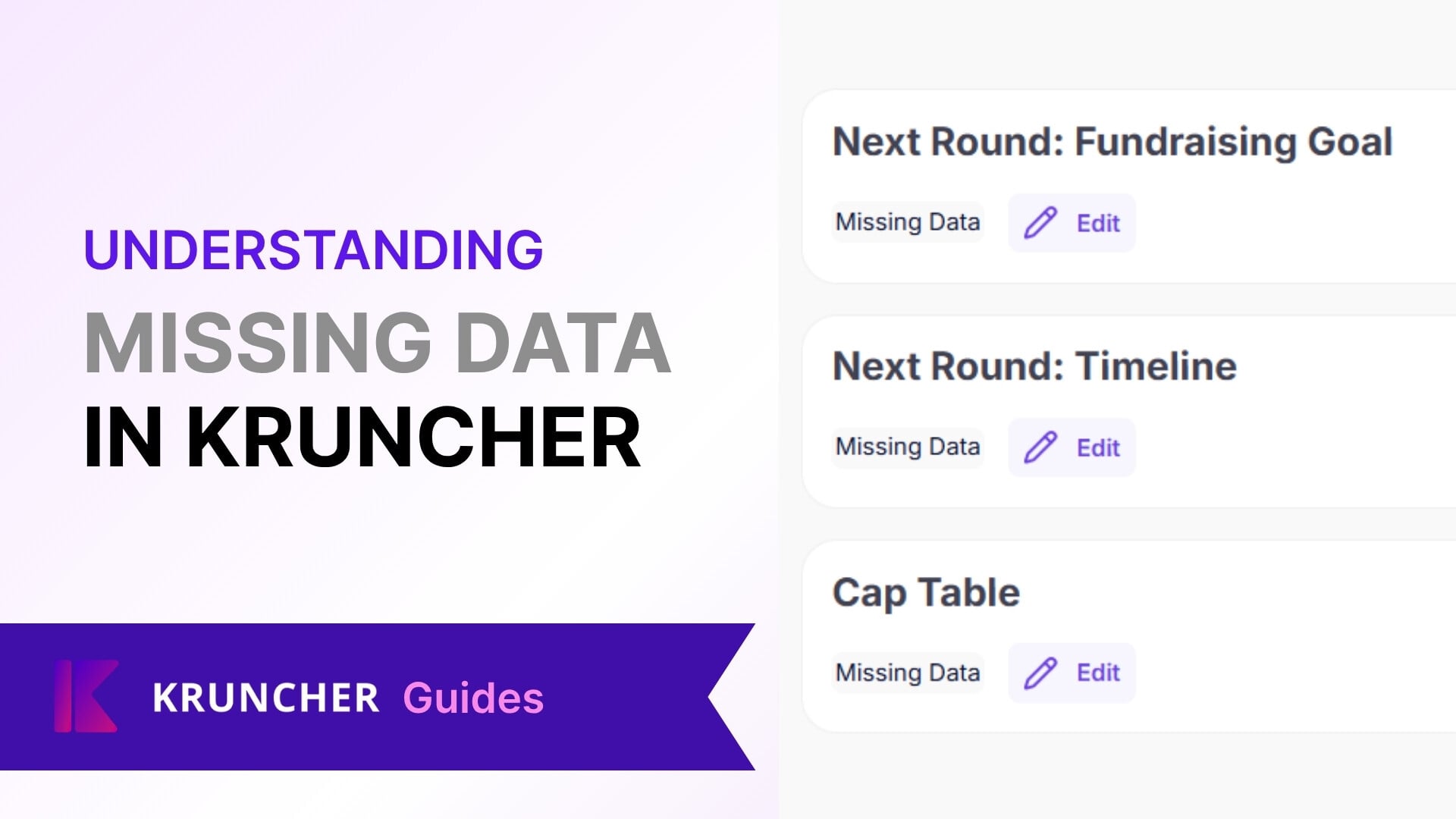
What "Missing Data" Means in Company Reports
After generating a company report, you will sometimes see a section labelled as "Missing Data".

How to Enable WhatsApp Integration
Kruncher is designed to work with your existing workflows, not the other way around. You may minimally interact with Kruncher's main app on browser if you prefer using apps you already interact with on a daily basis…
Uploading Documents via Shared URL (Google Drive, OneDrive, DocSend)
Other than uploading documents from your local storage, Kruncher is able to get documents from links of shared files from services like Google Drive, OneDrive, and DocSend.
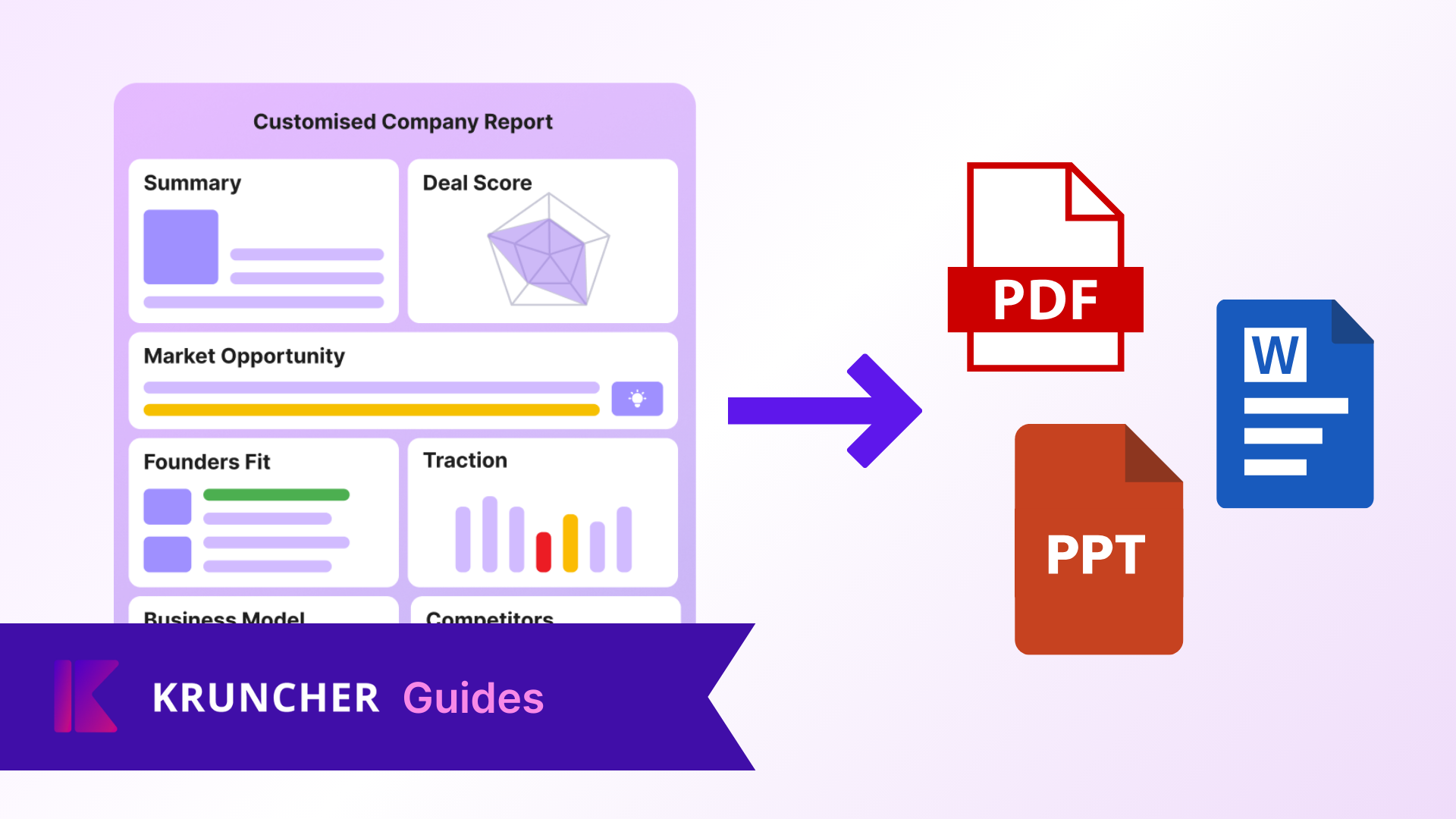
Export Company Reports into DOC, PDF, PPT
Other than viewing the reports inside Kruncher, you can also export the reports into these file formats to have a local copy of:
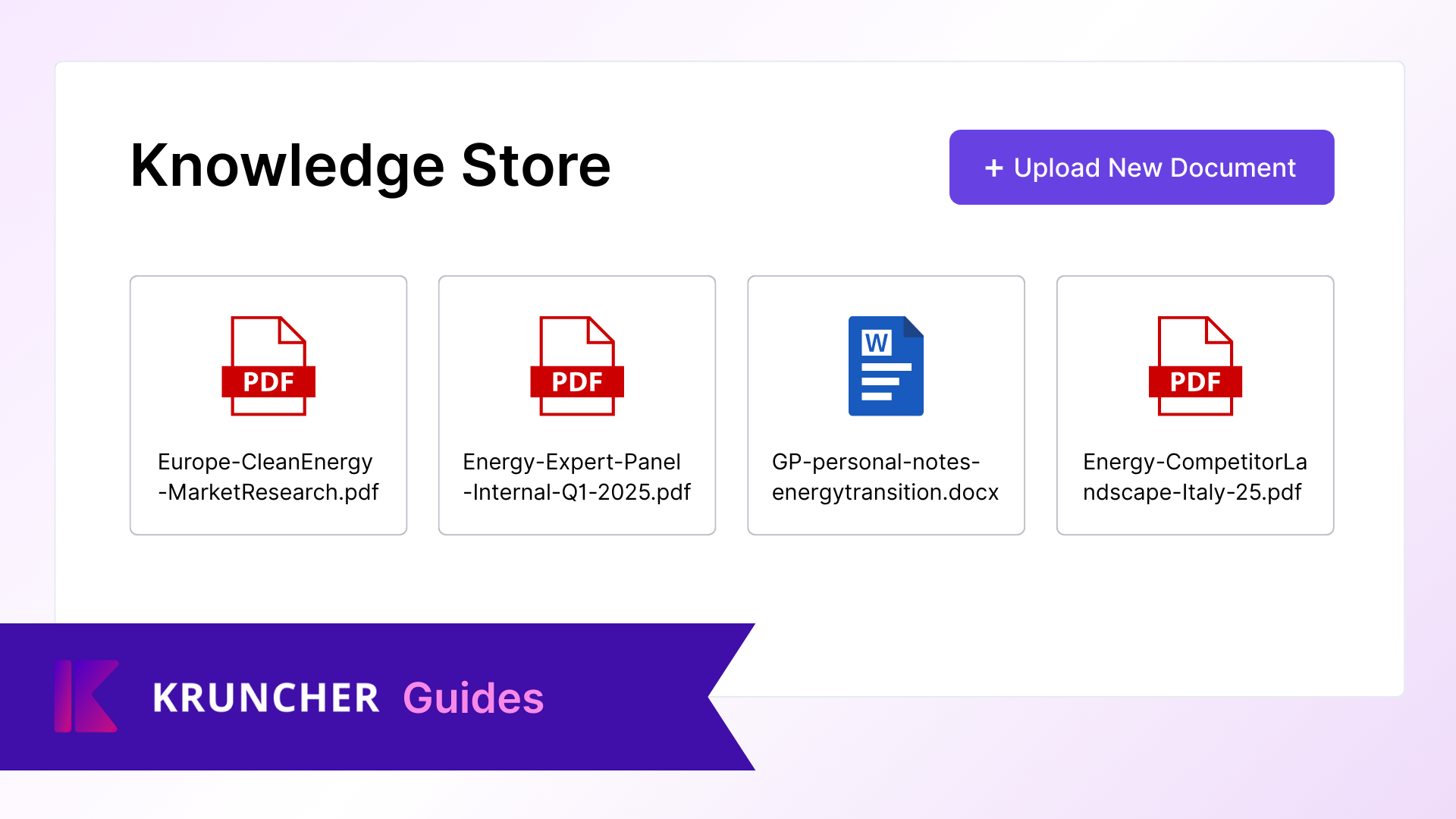
Enabling Your Knowledge Store
Kruncher has a Knowledge Store capability to make it even more accurate when generating company reports and insights by enriching it with industry specific knowledge.
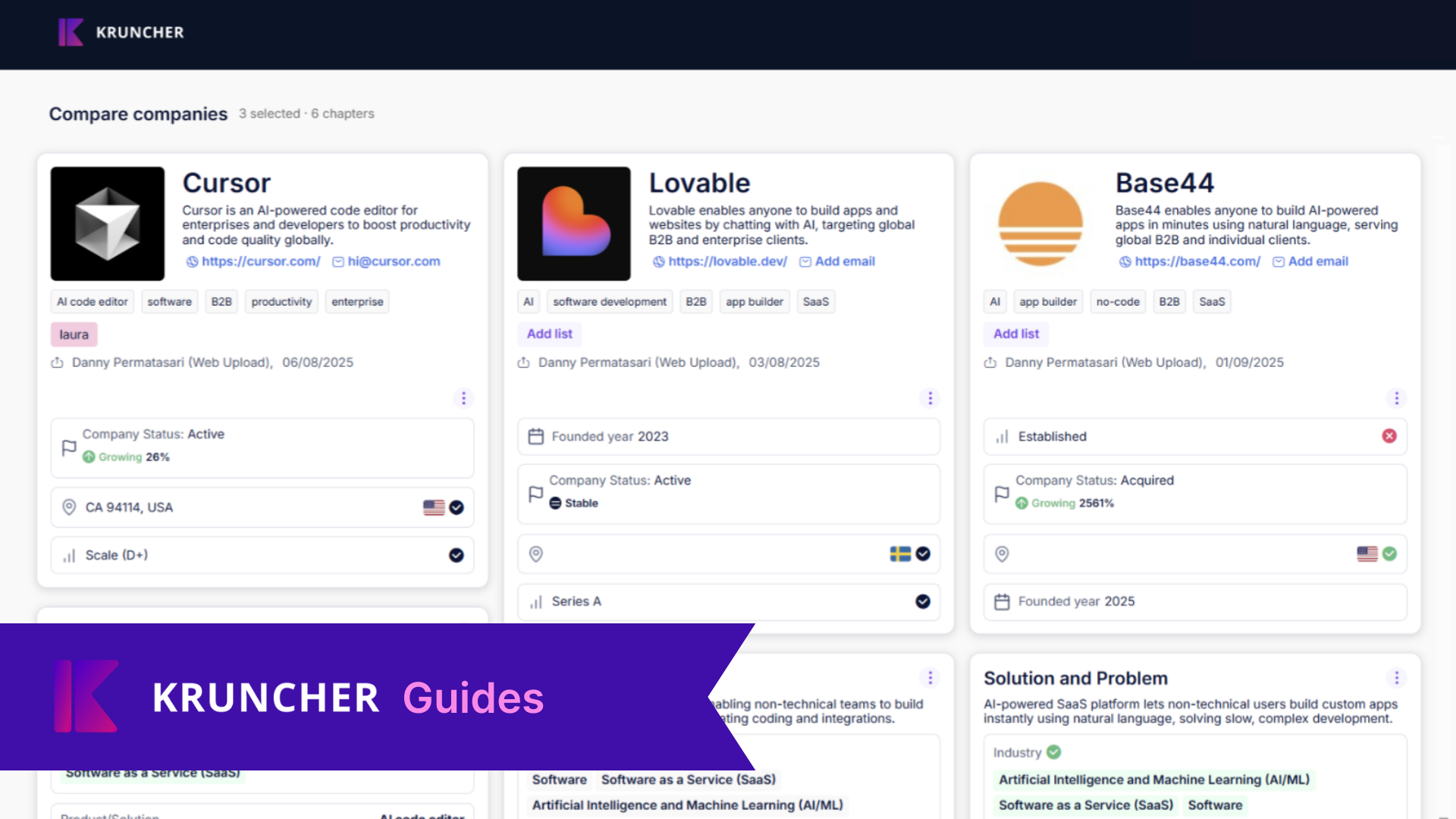
How to Compare Company Reports
You can now compare company reports side-by-side natively inside Kruncher.
Connect Your Email to Kruncher
Kruncher is designed to weave seamlessly into your workflows, and every organization uses email in some major way or another. We have designed an email integration system that enables you to: Automatically process…
Uploading Documents from Local Storage into Kruncher
This guide mainly covers how to upload documents from your local storage. Click here to learn how Kruncher can get documents from a shared URL.
Zapier Integration Guide
With 6,000+ app integrations available, Zapier transforms Kruncher from a standalone analysis tool into the intelligent backbone of your entire investment operation.
Pipedrive Integration Guide
Leverage Kruncher's comprehensive reports and insights to enrich your Pipedrive CRM to get the best of both worlds.

Notion Integration Guide
Leverage Kruncher's comprehensive reports and insights to enrich your Notion Workspace to get the best of both worlds.

Attio Integration Guide
Leverage Kruncher's comprehensive reports and insights to enrich your Attio CRM to get the best of both worlds.

Affinity Integration Guide
This guide provides step-by-step instructions for preparing Affinity for integration with Kruncher. Follow the steps below to create a new list, add the required fields, generate an API key, and share the integration…
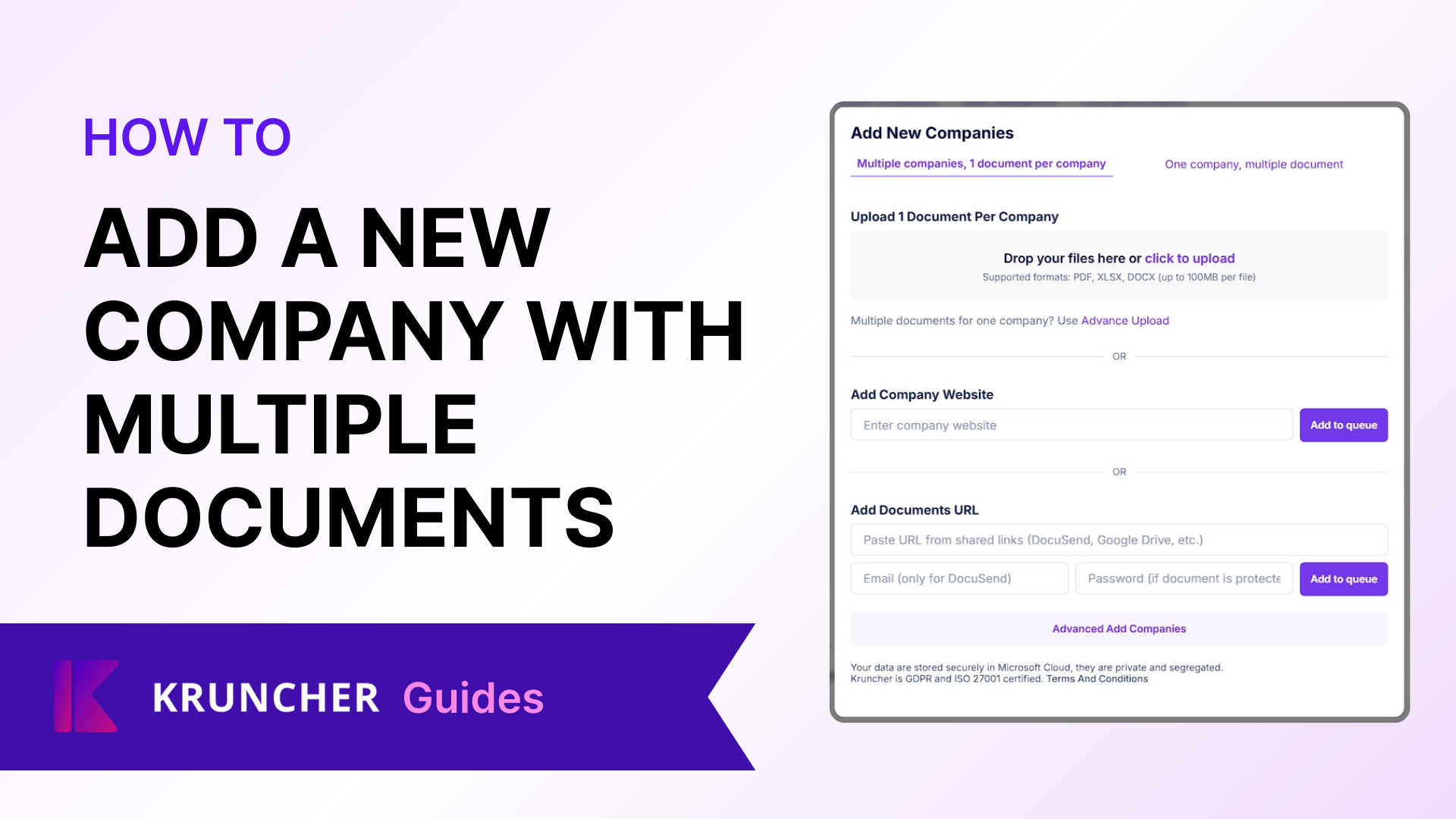
How to Add One Company with Multiple Documents
Kruncher can process multiple uploaded documents to make the company report even richer.In your Main board, click the + Add New Company button on the top right. In this pop-up, select the Single Company tab. By default…

How to Enable Slack Integration
Kruncher is designed to work with your existing workflows, not the other way around. You may minimally interact with Kruncher's main app on browser if you prefer using apps you already interact with on a daily basis…

How to Enable Telegram Integration
Kruncher is designed to work with your existing workflows, not the other way around. You may minimally interact with Kruncher's main app on browser if you prefer using apps you already interact with on a daily basis…

How to Create a New Account
Anyone can try Kruncher and make a free account.

How to Customize Email Templates
Kruncher has automations in place to send customized templates to the founders of a company when you select certain actions to be done.
How to Delete A Company Report in Kruncher
To streamline your main board and remove no longer relevant companies, you can delete generated company reports.
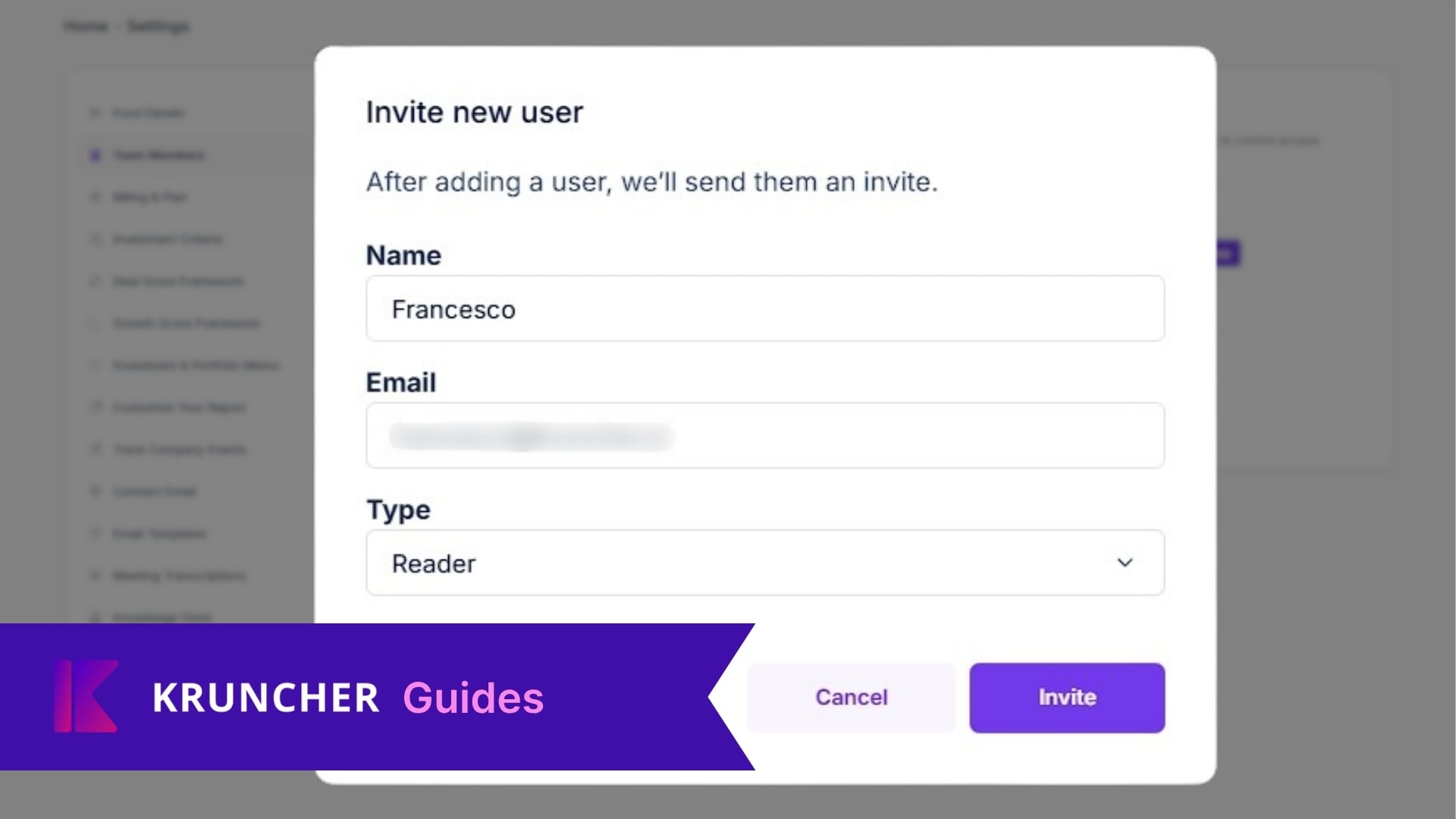
How to Invite Team Members
Maximize Kruncher's ability to help your fund by sharing your workspace with others.
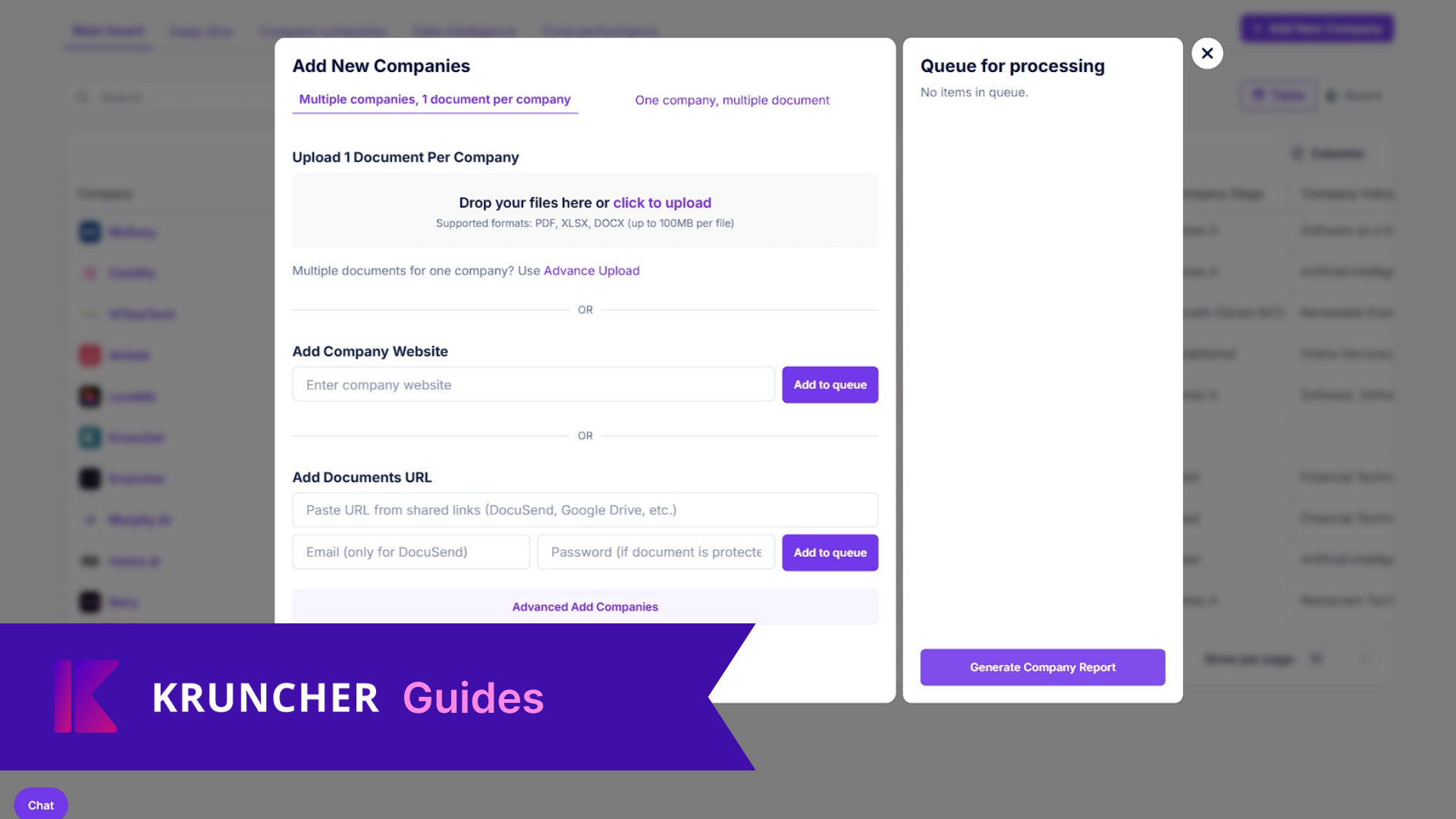
How to Add Companies in Bulk
The simplest way to get Kruncher to process a company to generate a comprehensive company report is to manually add/upload a company.
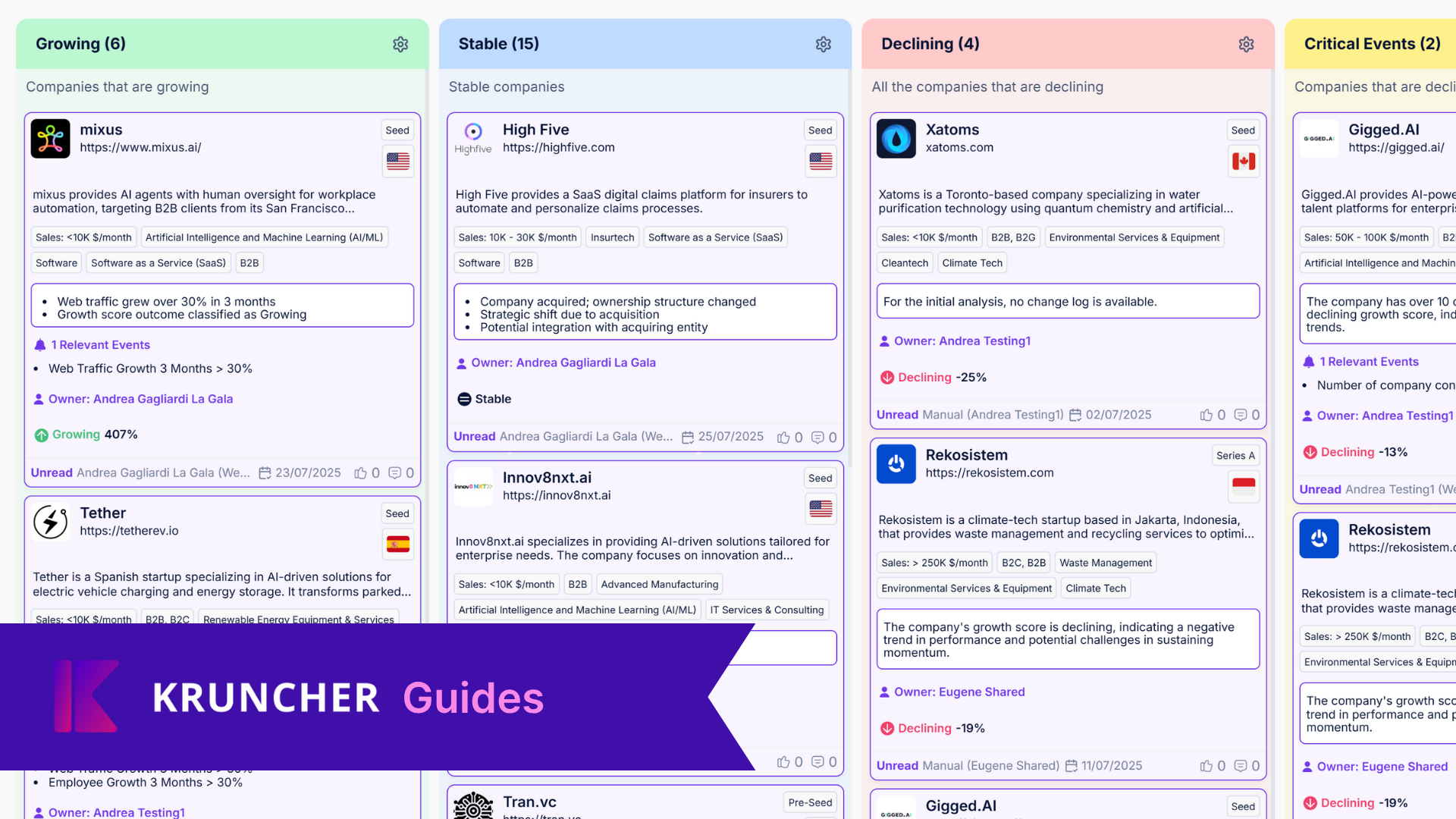
How to Automatically Categorize Your Watchlist as Growing, Stable, or Declining
Kruncher is able to automatically categorize your watchlist companies as Growing, not growing but not declining (Stable), Declining, and companies that has had a critical event(s) happened to them.
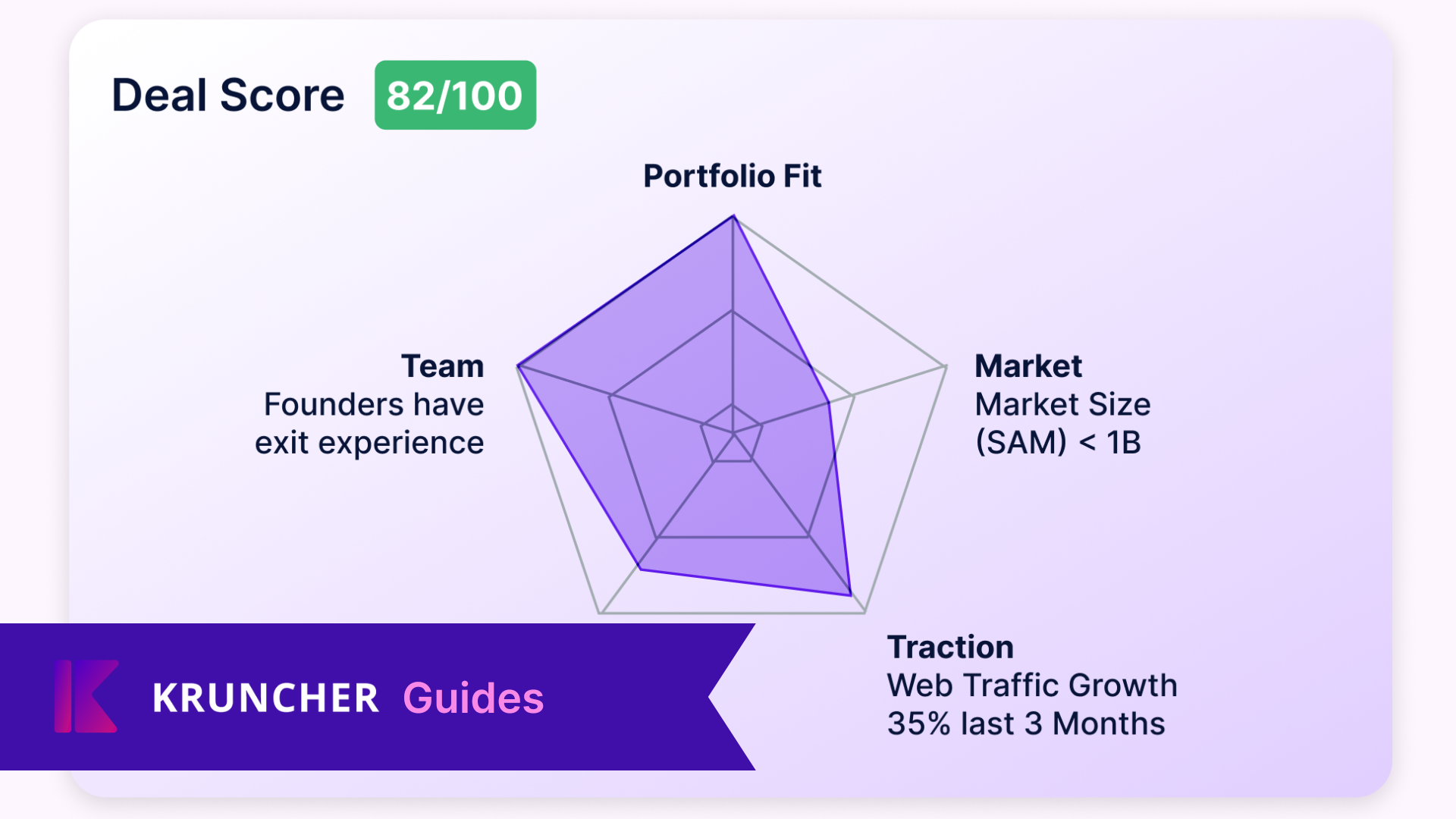
How to Customize Deal Score Framework
IMPORTANT NOTE: You must already have your Investment Criteria set up in order to view Deal Scores. Read this guide on how to set up your Investment Criteria.
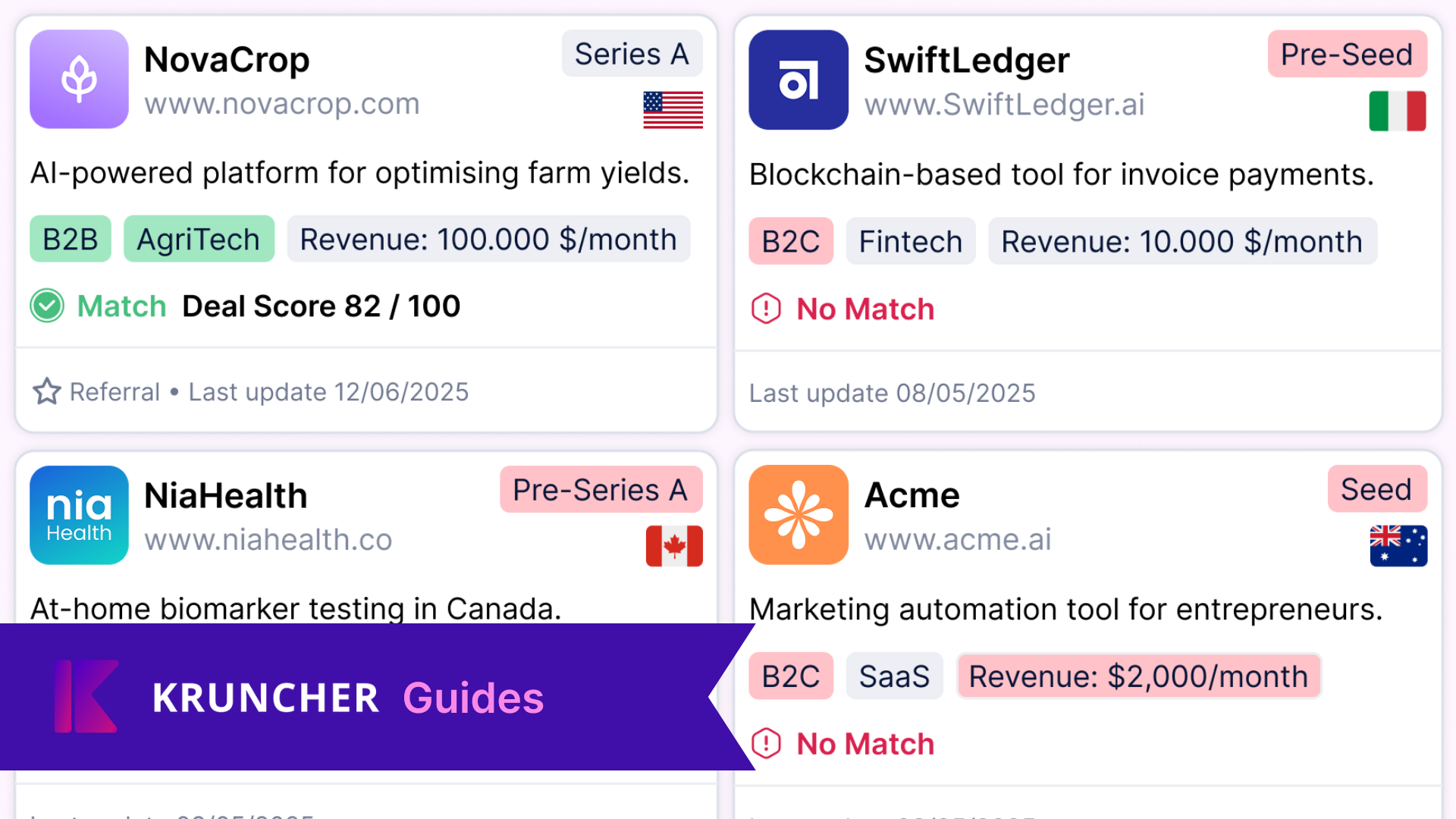
How to Customize Investment Criteria
Set Kruncher on your personal investment criteria by choosing focus areas and dealbreakers to make Kruncher flag whether a startup aligns with your investment criteria. This helps you quickly spot companies that match…